


Edit by chatting
Ask for the change in plain English. Thumblore rewrites the headline, the colour, the layout — and leaves everything you liked where it was.
Watch the full clip 24 sec

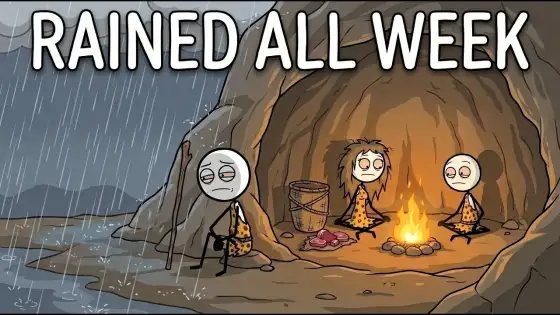
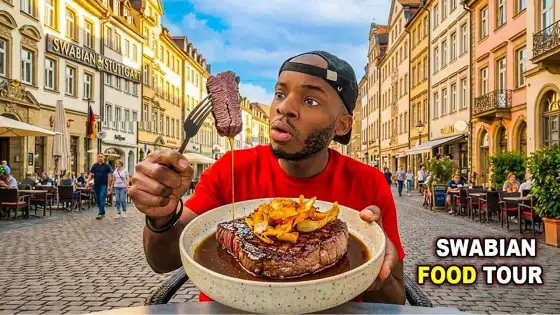
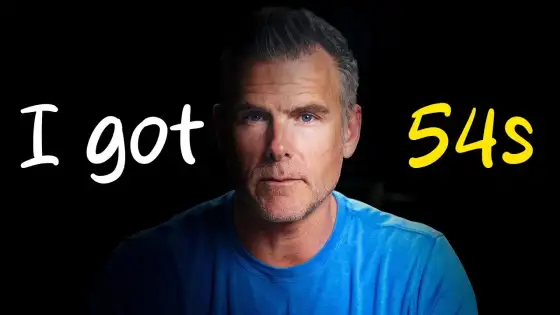
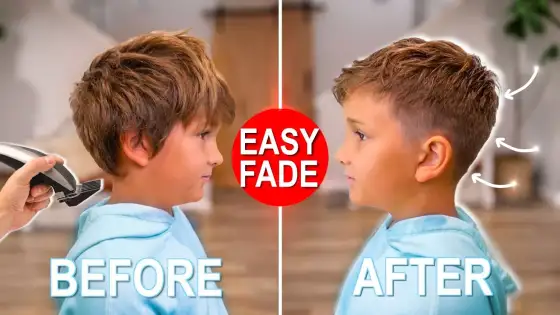
Type your video title. Thumblore turns it into 1280×720 thumbnails with the face, the emotion and the three bold words that high-CTR thumbnails share. No design skills, no Photoshop.
Your favourite creator makes great thumbnails. You're about to make greater .
"Greater" is not a word your English teacher would sign off on. Your click-through rate has no opinion on it.
Drop a title or topic. Thumblore instantly reads the vibe and intent.
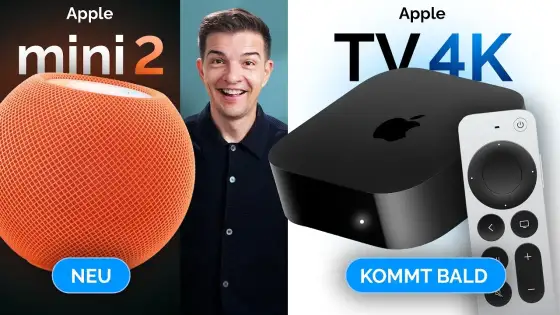
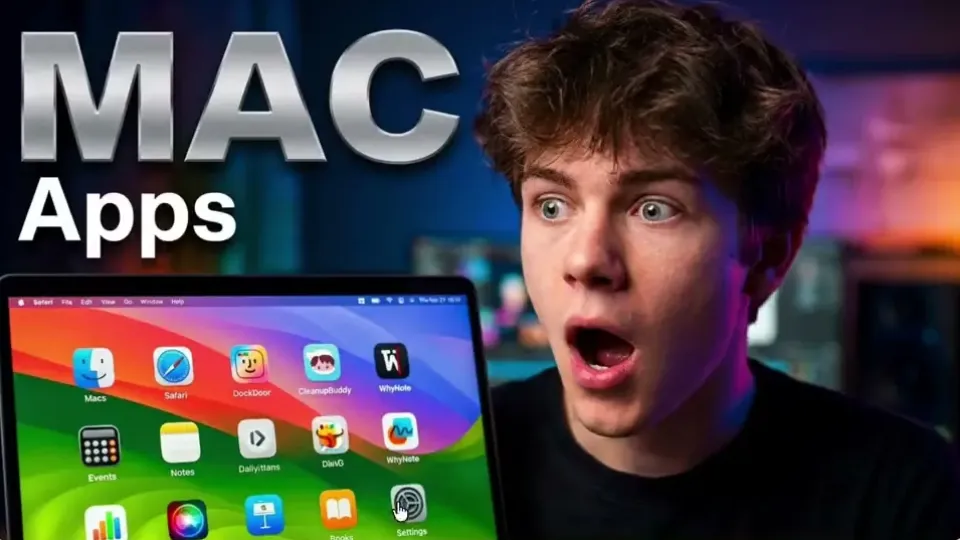
Thumblore returns two click-worthy options - text, faces and colour already handled.
Export crisp HD, ready to post. Grow your channel on your next upload.
Every branch is a real screen recording, running live.
YourAsk for the change in plain English. Thumblore rewrites the headline, the colour, the layout — and leaves everything you liked where it was.
Watch the full clip 24 secDescribe a face — age, hair, build, style. Generate a preview, save it once, then reuse the same person in every thumbnail after that.
Watch the full clip 13 secDrop two or more saved avatars into the same thumbnail. Built for collabs, podcasts, reactions and versus formats.
Watch the full clip 38 secReplace the face, change the expression, drop in a new backdrop. The layout that already works stays exactly where it is.
Watch the full clip 19 secStart free. Upgrade only when Thumblore is already growing your channel.
$10$9/mo
700 credits / mo ≈ 40 thumbnails ≈ 23¢ per thumbnail
$30$24/mo
2,000 credits / mo ≈ 120 thumbnails ≈ 20¢ per thumbnail
$75$45/mo
4,200 credits / mo ≈ 240 thumbnails ≈ 19¢ per thumbnail
No credit card required. Sign up, get free credits, and see what it makes for your next video.
Start nowEverything creators ask about YouTube thumbnails - sizing, click-through rate, common mistakes, and how Thumblore turns the answers into a one-click design.
Thumblore is an thumbnail generator that creates viral, click-worthy YouTube thumbnails in seconds — no design skills, no Photoshop, just a title and a click.
YouTube recommends 1280×720px at a 16:9 ratio, with a minimum width of 640px, saved as JPG, PNG or GIF under 2MB. Every thumbnail Thumblore generates is exported at the correct resolution automatically, so sizing is never something you have to think about.
High-CTR thumbnails share a few traits: one clear focal point (usually a face with a strong expression), high contrast between subject and background, 3–5 words of bold readable text, and a color that pops against YouTube's white and dark themes. Thumblore builds every generation around exactly these patterns, so you start from a layout that already follows them.
The most common ones: cramming in too much text, low contrast that disappears at small sizes, misleading "clickbait" that tanks watch time, and an inconsistent style from video to video that makes a channel look unbranded. Thumblore's templates are built around proven layouts, so these are hard mistakes to make by accident.
Lead with a face and an emotion - shock, excitement, curiosity - since faces are what a viewer's eye lands on first. Pair it with bold short text, strong color contrast, and enough breathing room that the composition doesn't feel cluttered at thumbnail size. Describing your video to Thumblore and generating a few options does that balancing for you.
There's no single "best" style - it depends on your niche. Bright, exaggerated expressions suit gaming and reaction channels; cinematic, dramatic lighting suits storytelling; clean, minimal, text-driven layouts suit tutorials and finance. Thumblore covers that range with mood presets - Cinematic, Horror, Dramatic, Bright, Luxury, Documentary, Gaming, Futuristic and more - so you pick a style instead of designing one from scratch.
Yes - it's usually the single biggest lever on click-through rate. YouTube shows a video more often when more people click it relative to how many times it's shown, so a stronger thumbnail doesn't just win that click, it earns the video more distribution afterward. It's exactly why Thumblore treats the thumbnail as a growth lever, not decoration.
None. Thumblore handles layout, typography, and color automatically.
Yes! Start free, upgrade when you're ready.
Yes. Upload a photo or generate an AI avatar, save it once, and reuse it across every thumbnail you create.